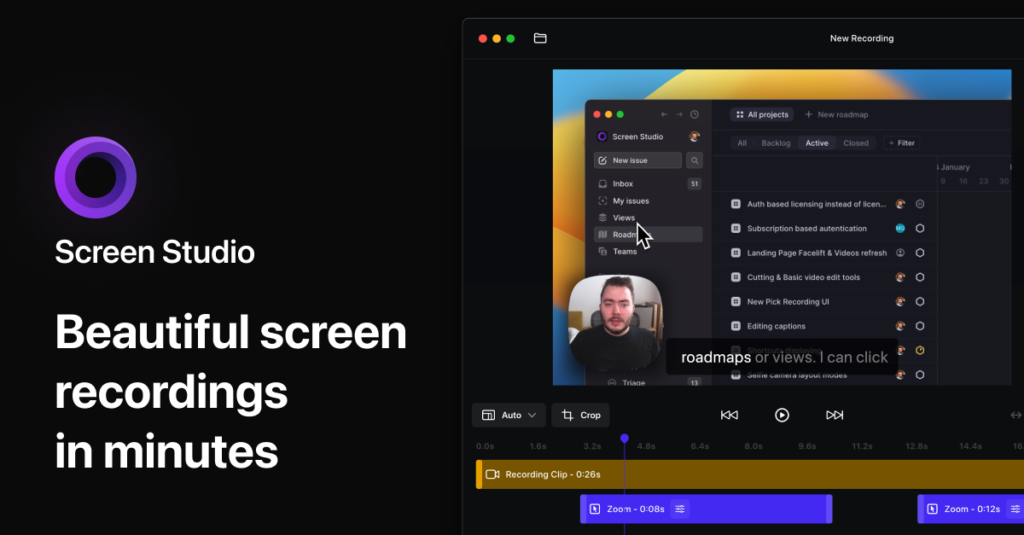
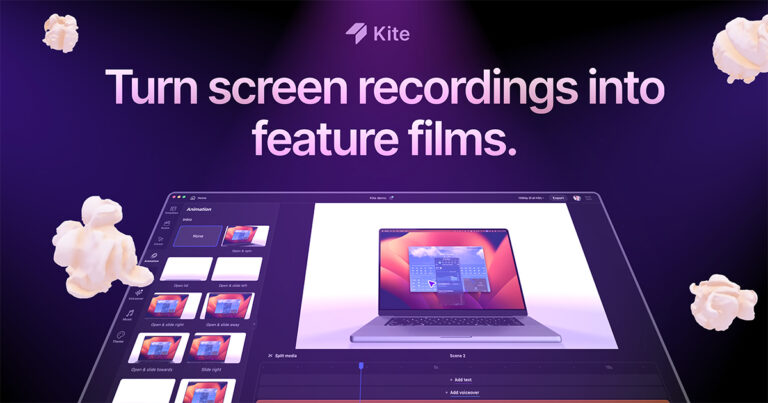
The premise is that the editing happens for you. Record a demo, and Screen Studio zooms in wherever you click, smooths out shaky cursor paths into a glide, enlarges the pointer (swapping in high-resolution versions of system cursors), and can hide it entirely when it is just sitting there. Zooms live on a timeline as blocks you drag around; the animation between them is handled automatically. Switching the output from horizontal to vertical for social media re-fits every zoom rather than cropping blindly.
Beyond the screen it records webcam, microphone and system audio — per-app if you want — with volume normalisation and background noise removal applied automatically. An iPhone or iPad plugged in over USB records directly, with the device model and colour detected and framed. Transcripts for subtitles are generated locally, not on a server. Keyboard shortcuts can be captured and displayed on screen, useful for tutorials.
Backgrounds, spacing, shadow, inset and motion blur are adjustable and can be saved as presets to share with colleagues for consistency. Exports run up to 4K 60fps, with presets that pick settings for web, social or handoff to another editor, plus optimised GIFs, shareable links and copy-to-clipboard. Requires macOS; Ventura 13.1 or later is recommended.

 Screen Studio