Screenshot and screen recording tools for Mac are a crowded field, and CleanShot X argues its case by being macOS-only: no cross-platform compromises, built for speed, low memory use and battery life. Captures land one drag away, ready to save, copy or drop straight into another app.
Scrolling capture, OCR and a background tool
Scrolling capture handles full pages, long chat threads, documents and code that run past the edge of the screen, in one image. On-device text recognition pulls copyable text out of screenshots and scanned documents, and reads QR codes. The Background Tool wraps a plain capture in padding, shadows and one of 20 included backgrounds, with custom presets. Markup, redaction, spotlight, outline, step numbering and crop are all there too.
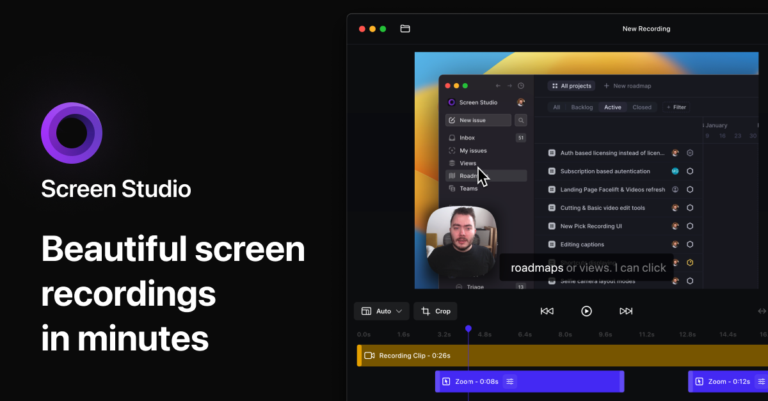
Recordings can include a webcam bubble, click highlights, visible keystrokes, voice and system audio, exported as MP4 or GIF with automatic smooth zooms. Studio Mode adds a Mac-native video editor for trimming and fine-tuning before export. CleanShot Cloud turns any capture into a shareable link, with comments on the file itself, automatic transcripts, custom domain and branding, plus SSO, SCIM and admin controls for teams. Capture History keeps everything retrievable, and screenshots can be pinned above other windows.
Sold with a 30-day money-back guarantee. Used by 250,000+ people, including teams at Basecamp, Ghost, Raycast and Dub.

 CleanShot X