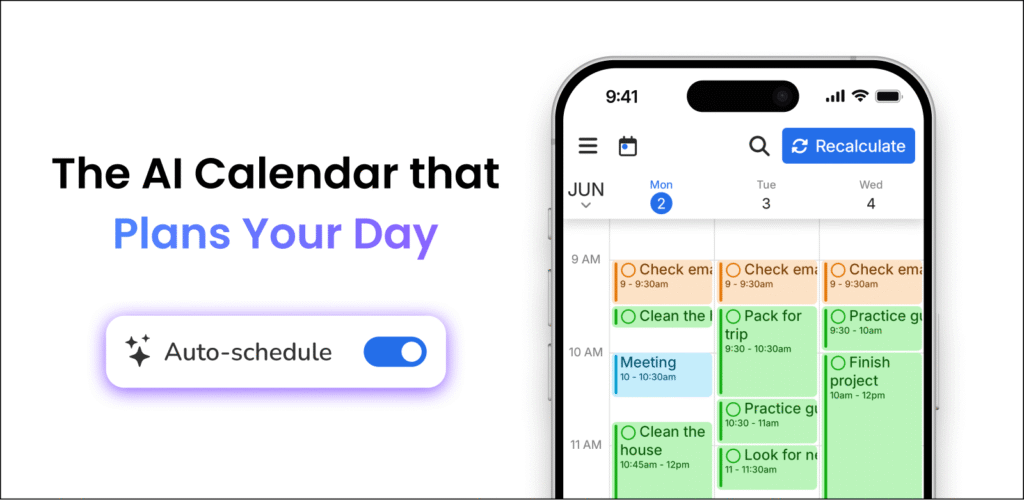
The core loop is simple: give tasks a duration, a deadline and a priority, and FlowSavvy drops them into the gaps in your calendar. When something runs long or you skip a block, hitting "recalculate" pushes the missed work back into the schedule rather than leaving you to drag blocks around by hand.
Events stay put, tasks move
Only tasks with Auto-Schedule enabled are ever touched — meetings and existing events are left alone. It syncs with Google, Outlook.com and iCloud calendars and schedules around whatever is already there. Syncing tasks back out is optional, and when enabled they only block your availability as a deadline approaches. Custom scheduling hours separate work from personal time, recurring tasks get planned automatically, and any block can be dragged to lock it in place.
Aimed at individuals rather than teams, with no collaboration or enterprise layer. Web, iOS and Android apps are all fully featured, and the page cites over 100,000 signups and 1,000+ reviews.

 FlowSavvy